
- All Posts
- AI Image Technology
- Image Compression & Optimization
- Image Conversion Hub
- Image Editing & Design Tools
- Image Editing Career & Learning
- Image SEO & Web Performance
- Image Technology News
- Photography & Camera Formats
- Tools
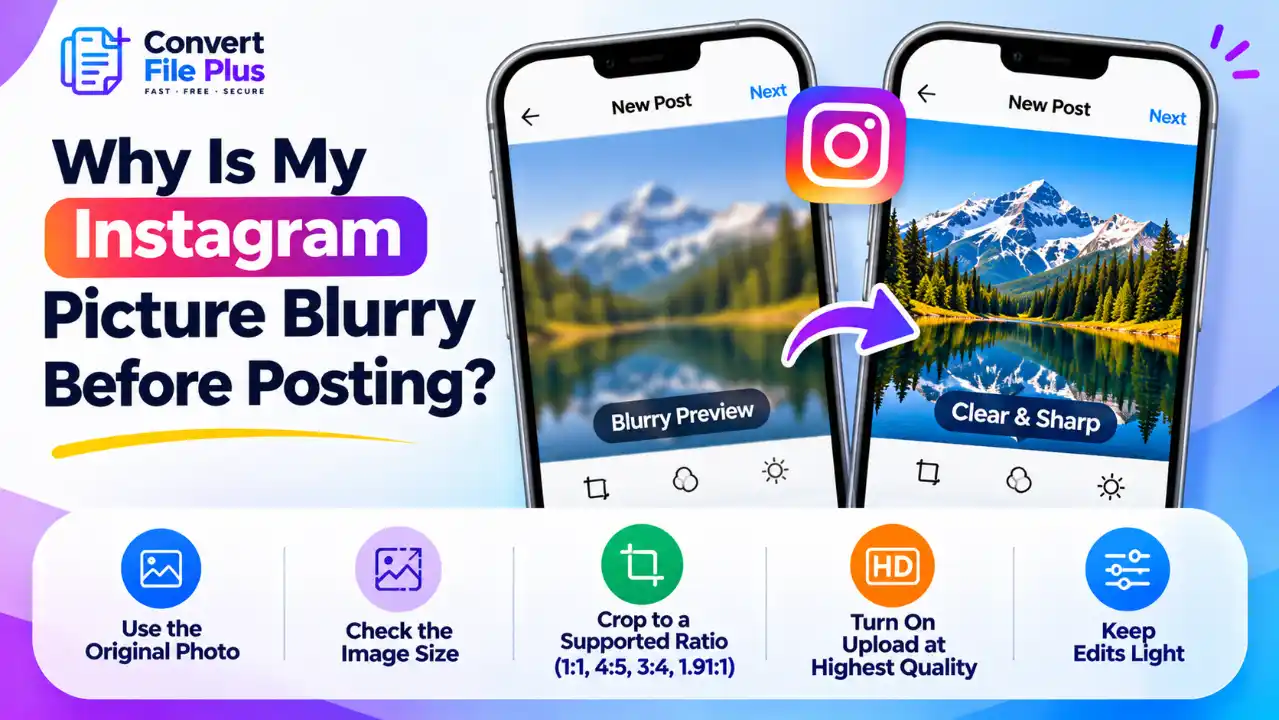
If a photo looks blurry in Instagram’s preview, the cause is usually the file or the editing steps, not Instagram’s...
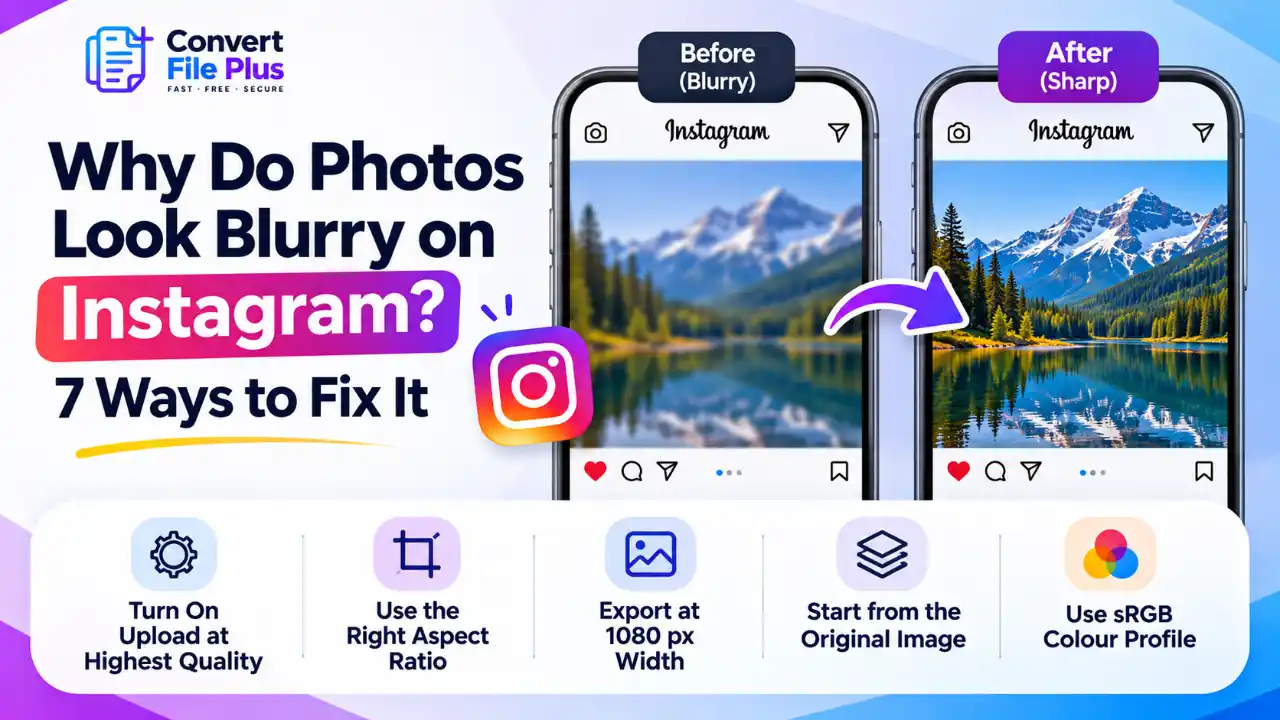
Photos can look blurry on Instagram because the platform resizes and processes uploaded images. The “Upload at highest quality” setting...
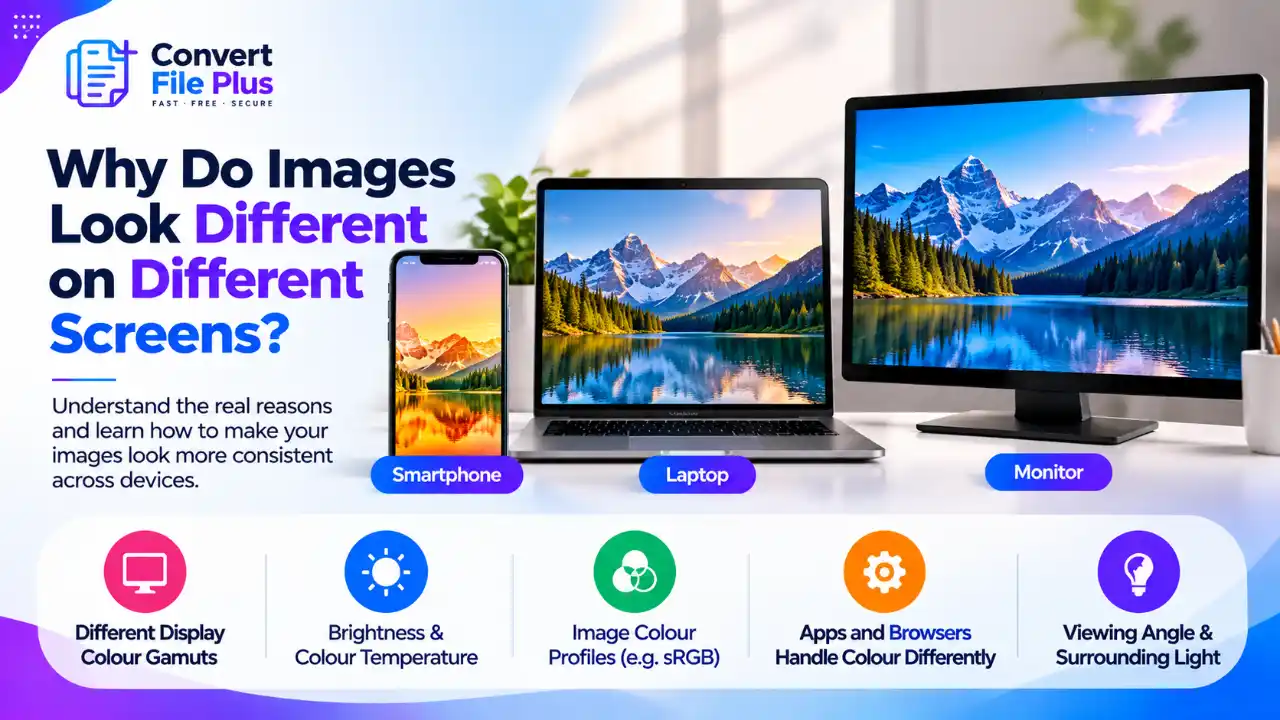
Images look different on different screens because every screen produces color, brightness and contrast in its own way, and the...
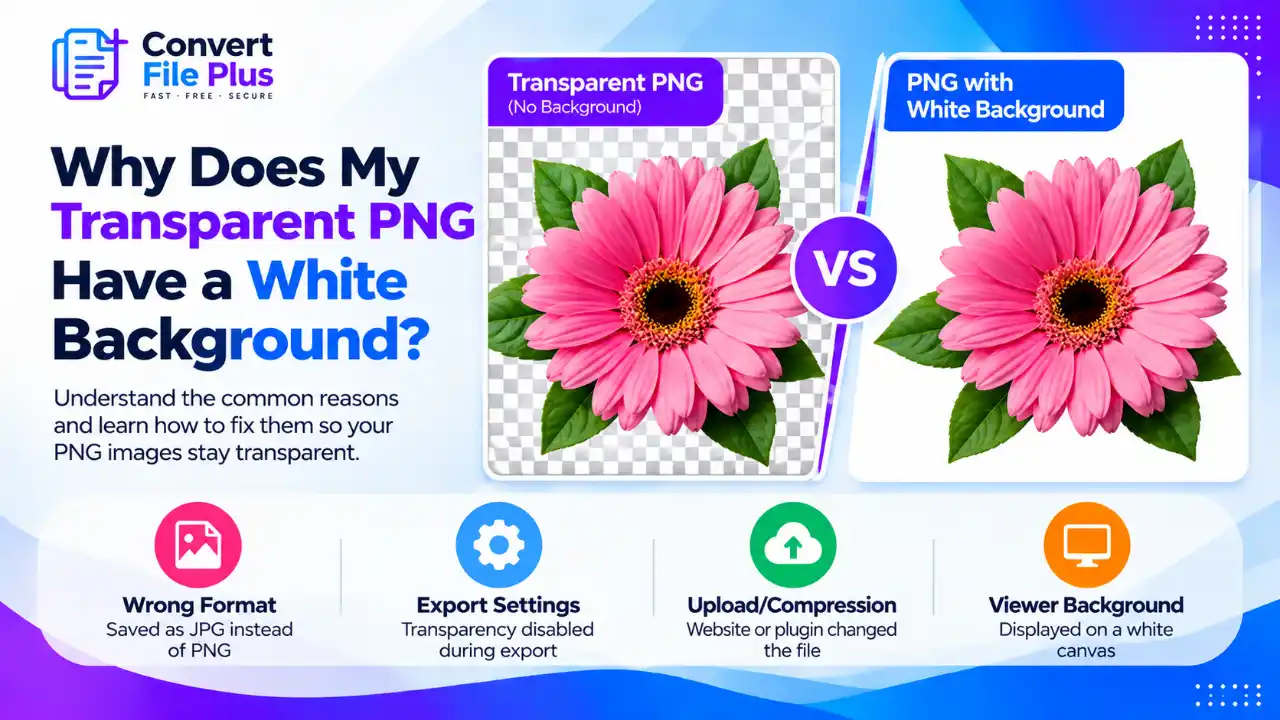
A transparent PNG may appear with a white background for two main reasons: the file has lost its transparency, or...
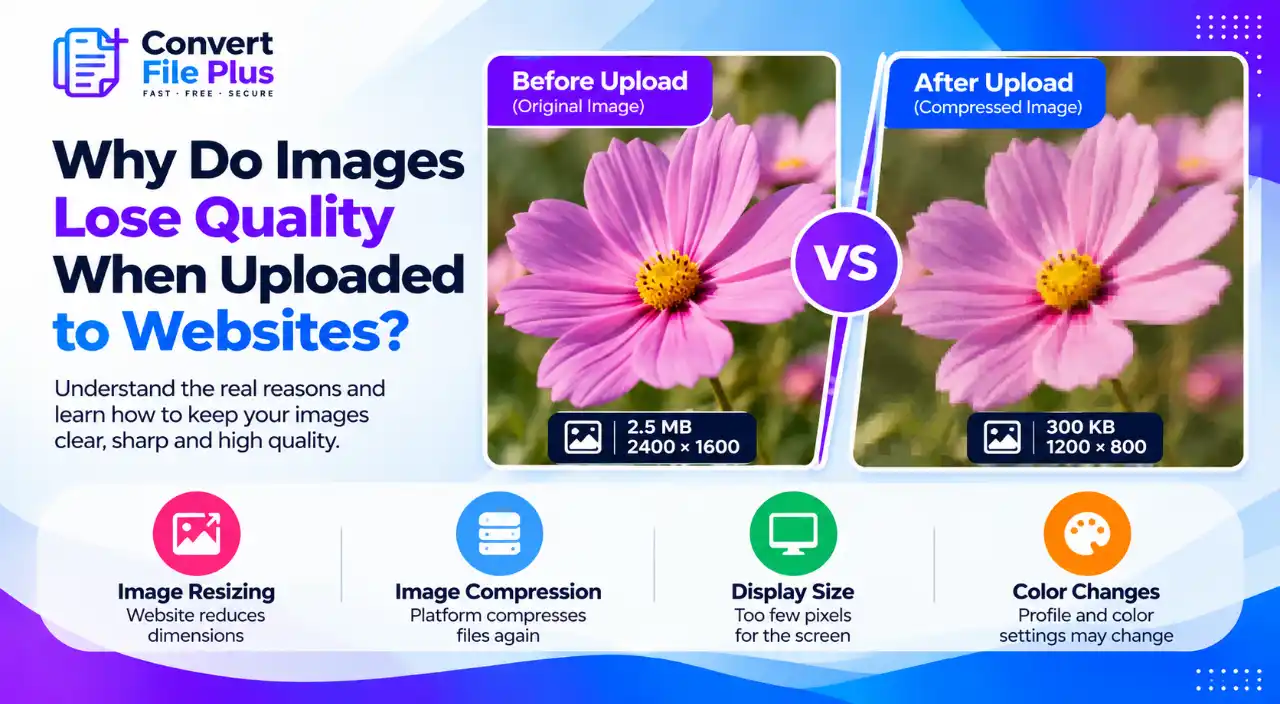
Does your image look sharp before uploading but blurry, pixelated, or dull after it appears on a website? The cause...
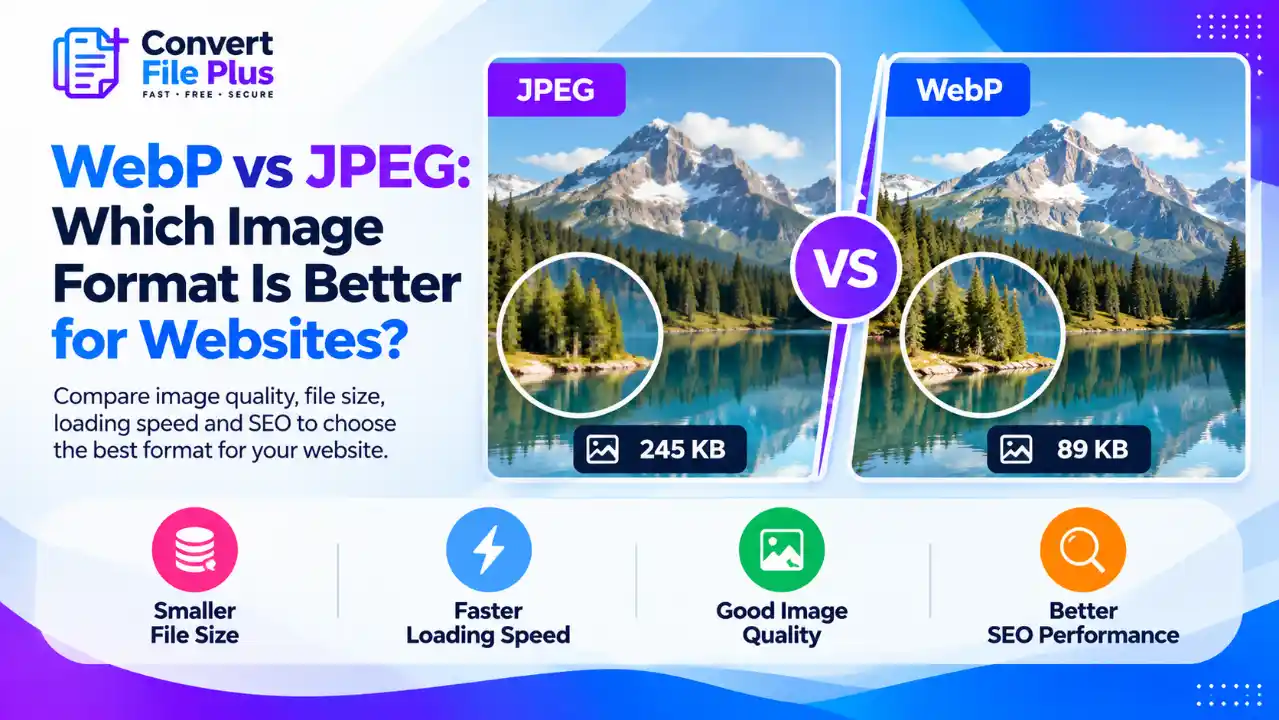
Are your website images slowing down your pages or taking up more storage than necessary? Choosing between WebP and JPEG...
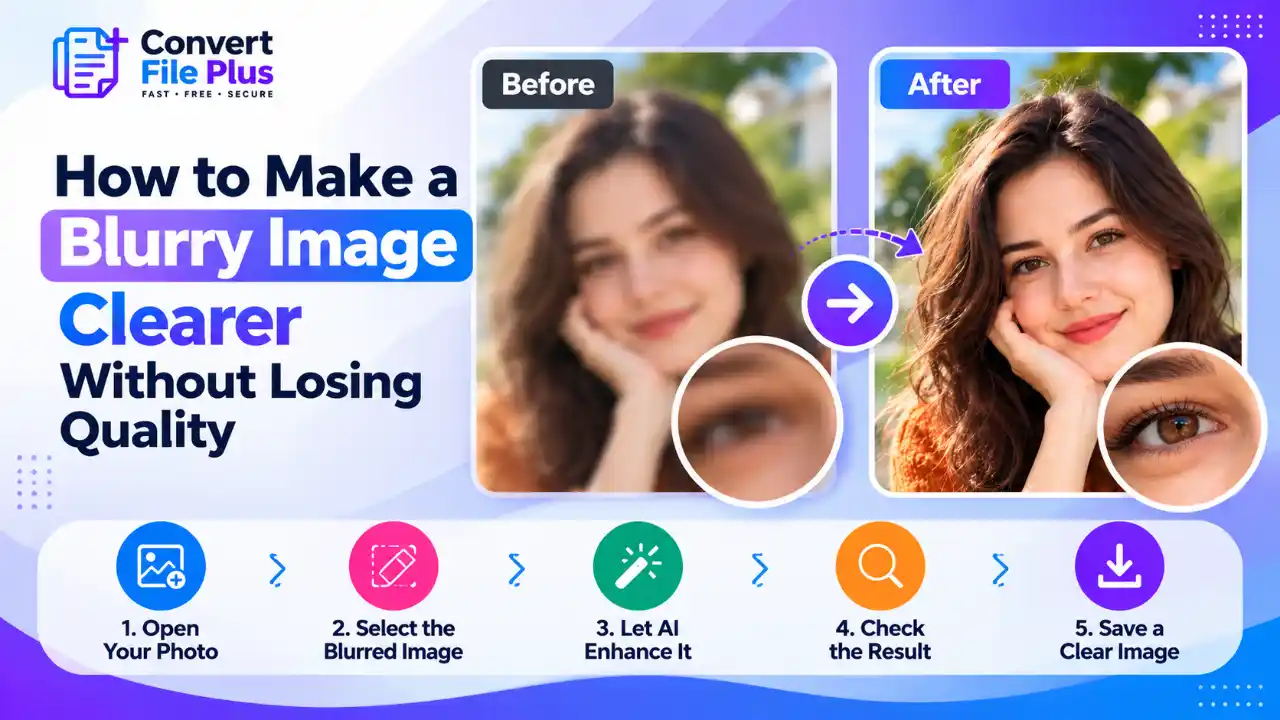
You can make a slightly blurry image look clearer with careful sharpening, noise reduction, or an AI enhancer. No method...
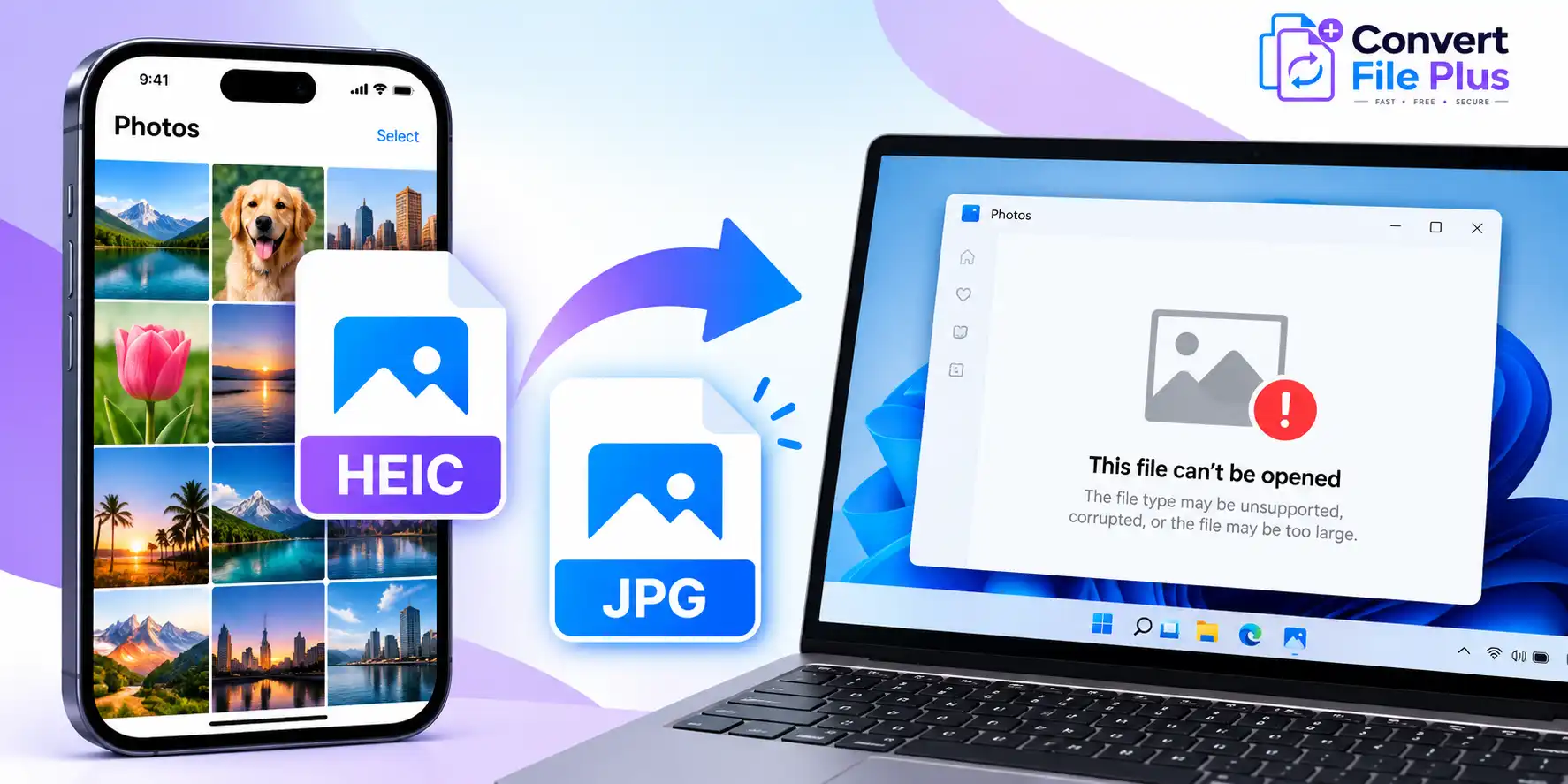
If your iPhone photos won’t open on Windows, the files may be saved in HEIC format, which your current Windows...
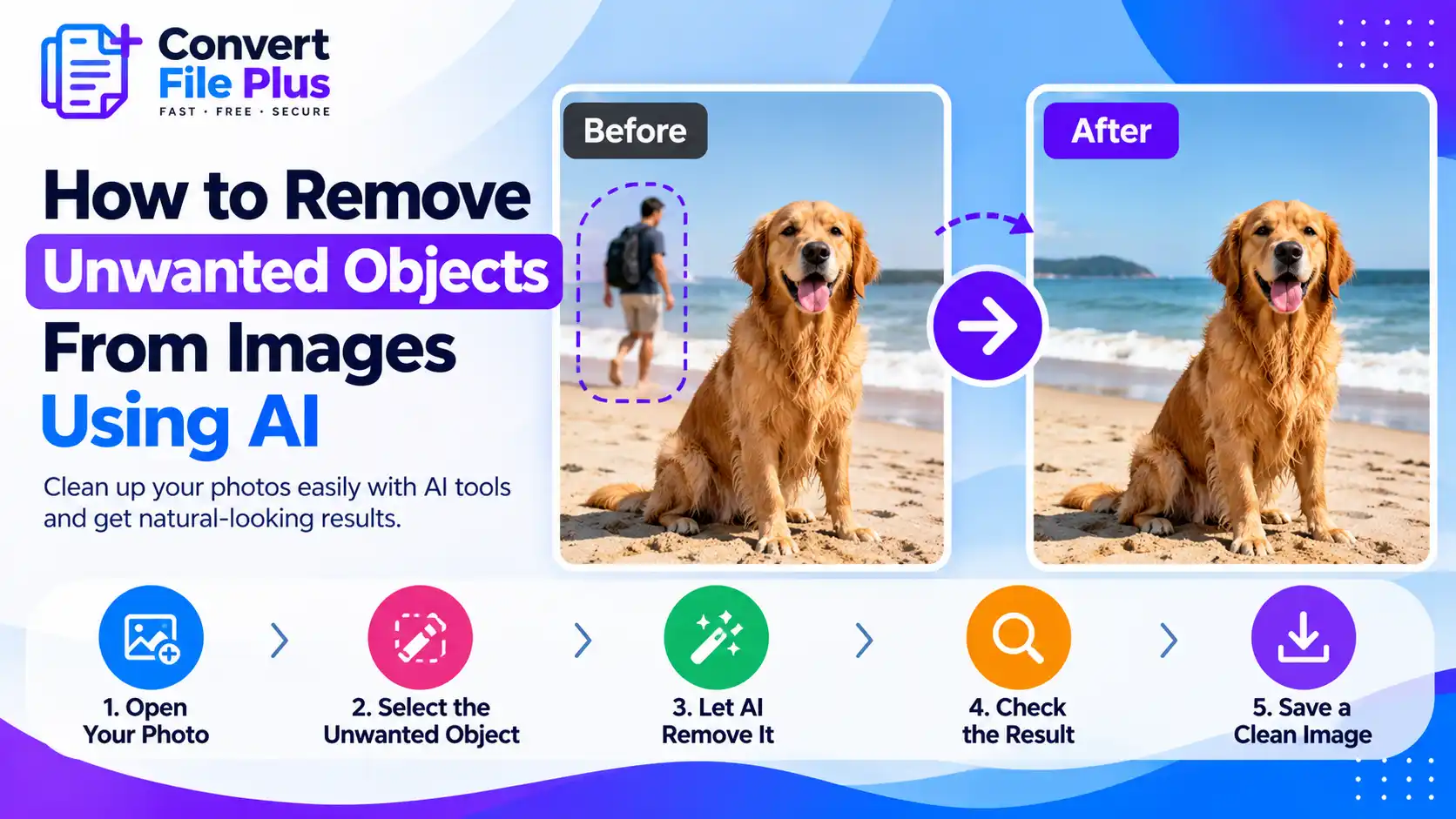
To remove unwanted objects from an image with AI, open the photo in an editor with an object removal tool,...