
Most businesses that are “using AI” are still using it the way people used the internet in 1999 mostly for information, occasionally for email, and not much else. That gap between what the technology can do and what businesses are actually doing with it is where the real opportunity sits right now.
According to McKinsey’s 2025 State of AI report, over 70% of companies have adopted AI in at least one business function. But adoption doesn’t always mean results. A lot of teams are using ChatGPT to write emails or polish documents which is useful but it barely scratches the surface of what’s now possible, especially with AI agents entering the picture.
The shift that matters most right now is the move from AI as a tool you talk to, toward AI as something that actually does work for you. That’s a different thing entirely. And for founders, operators, and business leads who figure out that distinction before 2030, the efficiency gap between them and slower-moving competitors is going to widen quickly.
What Exactly Is an AI Agent?
A regular AI model answers questions. An AI agent takes actions.
Think of it this way: asking ChatGPT to write a follow-up email is using AI as a tool. An AI agent would notice that a lead hasn’t responded in four days, draft the follow-up, check your calendar for the right send time, and send it without you initiating any of it.
Agents are designed to complete multi-step tasks, make decisions along the way, and often interact with other software systems. They’re not magic. They still need good instructions and human oversight. But the difference in what they can handle versus a standard chatbot is substantial.
For businesses, this means the question is no longer just “what can AI write for me?” It’s “what workflows can AI actually run?”
Why Businesses Are Moving Beyond Chatbots
Early chatbots were rule-based. They followed decision trees. Ask something outside the script, and you’d get a dead end or “I’ll connect you to a human.”
Modern AI agents are different in a few important ways:
- They understand context, not just keywords
- They can take actions book appointments, update CRMs, send emails, pull reports
- They improve with feedback rather than requiring manual script updates
- They work across tools connecting your email, calendar, CRM, and project management in one workflow
In customer support, this means a business can handle 80% of tier-one queries automatically, without those responses feeling scripted or robotic. In sales, agents can research leads, personalize outreach, and track follow-up cadences. In operations, they can flag anomalies in data, schedule recurring tasks, and route information to the right people.
The chatbot era was about answering. The agent era is about doing.
The Real Business Problems AI Agents Can Solve
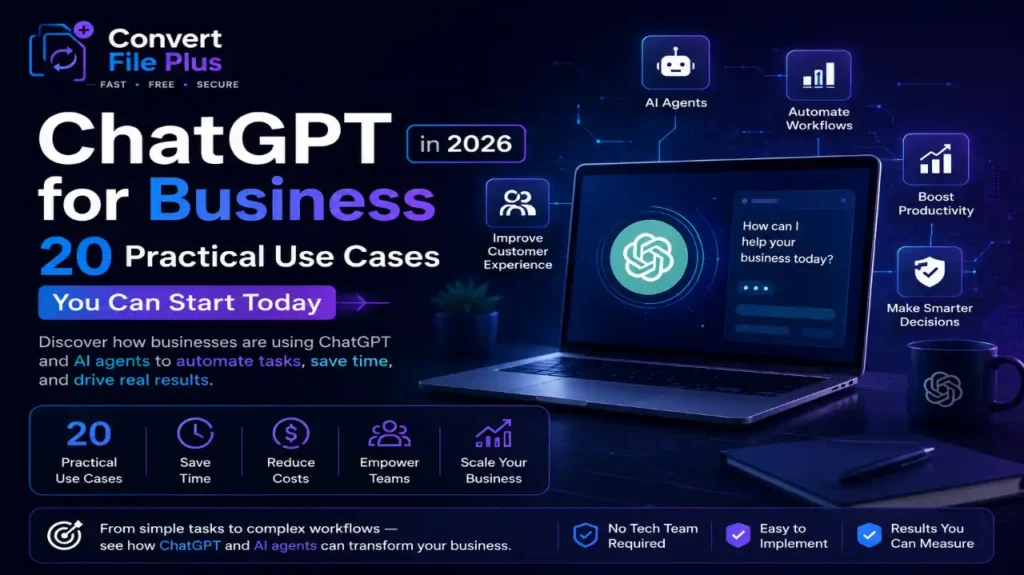
Here are 20 practical use cases across departments that you can begin piloting today:
Customer Service
- Handle tier-one support queries 24/7 with context-aware responses
- Auto-escalate complex complaints to the right team with a summary attached
- Follow up on unresolved tickets after 48 hours without human prompting
- Collect post-interaction feedback and summarize weekly themes
Sales and Lead Generation 5. Research inbound leads and score them before your team follows up 6. Draft personalized outreach emails based on a prospect’s industry and role 7. Track deal stages and send internal alerts when opportunities go cold 8. Prepare pre-call briefs pulling from CRM notes and recent news
Marketing 9. Repurpose long-form content into LinkedIn posts, newsletters, and short videos 10. Monitor competitor mentions and surface weekly insights 11. A/B test subject lines and report performance summaries 12. Generate first drafts for case studies from customer interview notes
Operations and Internal Workflows 13. Summarize weekly reports and distribute to the relevant stakeholders 14. Schedule meetings across time zones by accessing calendar availability 15. Automate invoice follow-ups and flag overdue payments 16. Onboard new employees by walking them through documentation and FAQs
Data and Reporting 17. Pull and clean data from multiple sources into a single structured report 18. Spot anomalies in sales figures or web traffic and flag for review 19. Generate executive summaries from raw spreadsheet data 20. Translate customer reviews into structured product feedback
None of these are theoretical. All of them are being run by businesses right now, using tools that are already available.
Why Small Businesses May Benefit More Than Enterprises
Large companies have entire departments. Small businesses often have one person covering three roles.
That’s actually where AI agents offer the most leverage. When you’re a 10-person team running what functionally needs to be a 30-person operation, an agent that handles scheduling, follow-ups, and reporting doesn’t just save time it changes what’s possible.
Enterprises move slowly. They have procurement cycles, compliance reviews, and change management overhead. A small business can test an AI workflow in a week and scale it the next. That speed advantage is real, and it compounds.
A solo consultant using AI to manage client communications, generate reports, and handle proposal drafts is effectively operating with the output capacity of a small team. That’s not an exaggeration it’s what’s happening.
The Economics Behind AI Agents
The numbers are starting to get hard to ignore.
A Harvard Business School study found that consultants using AI completed 12% more tasks, did it 25% faster, and produced higher-quality output. These weren’t junior people. These were experienced professionals. The productivity lift applied across the board.
For businesses, the cost math is straightforward: if an agent handles 15 hours of repetitive work per week across your team, and your average loaded hourly cost is $40, that’s $2,400 per month in recovered capacity. Most AI tools that enable this cost a fraction of that.
The competitive angle matters too. Businesses that build efficient AI workflows now will have structural cost advantages in 2028 that slower adopters won’t be able to close quickly. It’s not about replacing headcount. It’s about getting more done with the same team, and directing human attention toward work that actually requires it.
Challenges Businesses Need to Consider
Being honest about the limitations matters more than overselling the potential.
Data privacy is the most immediate concern. When you’re feeding customer information, financial data, or internal communications into an AI system, you need to know where that data goes, how it’s stored, and whether your vendor agreements cover your compliance obligations. This is especially true in regulated industries.
Reliability is real. AI agents make mistakes. They misread context, take wrong actions, and sometimes confidently do the wrong thing. Any workflow you automate should have checkpoints especially if it touches customer-facing communication or financial transactions.
Security deserves dedicated attention. An agent with access to your email, CRM, and project tools is a significant attack surface if credentials are compromised.
And there’s regulatory risk on the horizon. The EU AI Act is already reshaping how companies in Europe can use automated decision-making. More frameworks are coming. Businesses building AI into core operations now should be building with auditability in mind, not retrofitting it later.
The answer isn’t to wait. It’s to build thoughtfully.
What Businesses Should Do Today to Prepare for 2030
The businesses that will be in the strongest position four years from now aren’t necessarily the ones spending the most on AI today. They’re the ones building actual competency the ability to identify the right problems, implement the right tools, and iterate when something doesn’t work.
Here’s a practical starting point:
- Pick one workflow and automate it properly before expanding to ten
- Build AI literacy across your team not technical depth, but enough to spot good use cases
- Map your repetitive tasks anything that happens more than twice a week on a predictable schedule is worth evaluating
- Run small experiments with clear success metrics, not open-ended pilots that never get evaluated
- Keep humans in the loop on anything that touches customers, contracts, or compliance at least until you’ve built enough confidence in a workflow to loosen the reins
The goal isn’t full automation. It’s useful automation. There’s a difference.
Where This Is All Headed
A lot of the conversation around AI in business still swings between hype and dismissal. Neither serves business owners well.
What’s actually happening is more incremental and more interesting than either extreme. AI is being woven into how businesses operate not as a department or a project, but as a layer underneath everyday work. The businesses paying attention to this are building workflows, habits, and institutional knowledge that will be hard to replicate later.
This doesn’t mean you need to restructure your company or hire a Chief AI Officer. It means you should spend the next 90 days identifying three workflows in your business where AI could do the repetitive work, and actually testing that. Not reading about it. Testing it.
The businesses that will look back at 2026 as a turning point aren’t the ones that had the biggest budgets. They’re the ones that started small, learned fast, and kept going.
That’s always been the story with technology that matters. This time isn’t different.

- Difference Between Image Resolution and Image Size: Complete Guide (2026) - July 13, 2026
- How Much Does AI Software Cost for Startups in 2026? - July 7, 2026
- How to Use AI to Write Blog Posts Faster Without Losing Your Voice - June 28, 2026